
Scan. Add.
Use product barcodes to build the receipt. You can also add items manually.
Logiciel de facturation pour commerces
Prepare a receipt without creating a customer record. Find items by barcode and manage sales in a tablet-friendly interface.
Let’s talk about your businessAlready know SimpliFaq? Log in
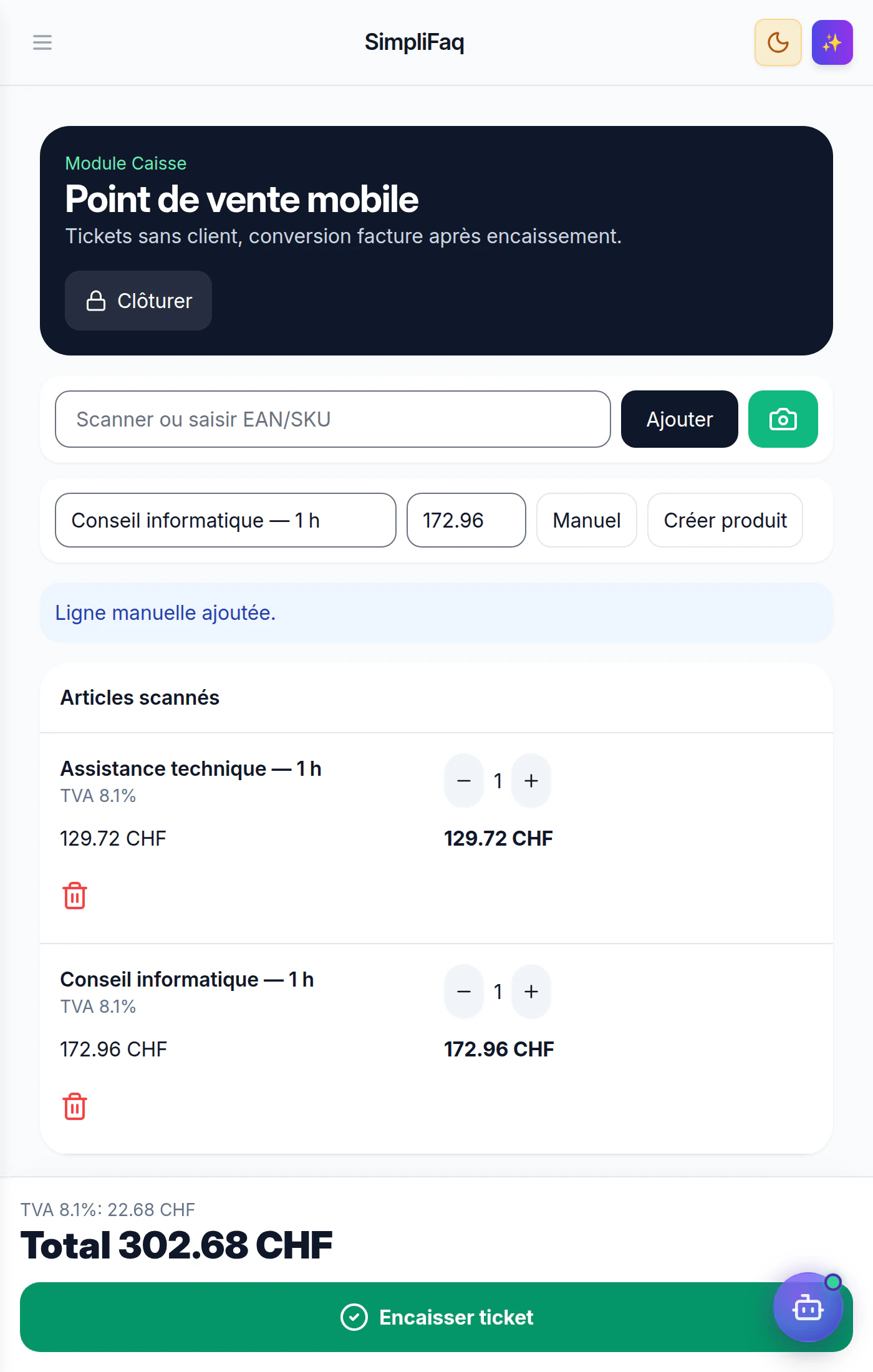
Use product barcodes to build the receipt. You can also add items manually.
Record a counter sale without requiring a client record. Find your products in the same catalogue.
Open and close your till session. The receipt brings together items, quantities and the sales total.
Product references and prices stay in SimpliFaq. The catalogue serves both document preparation and finding an item at the till.
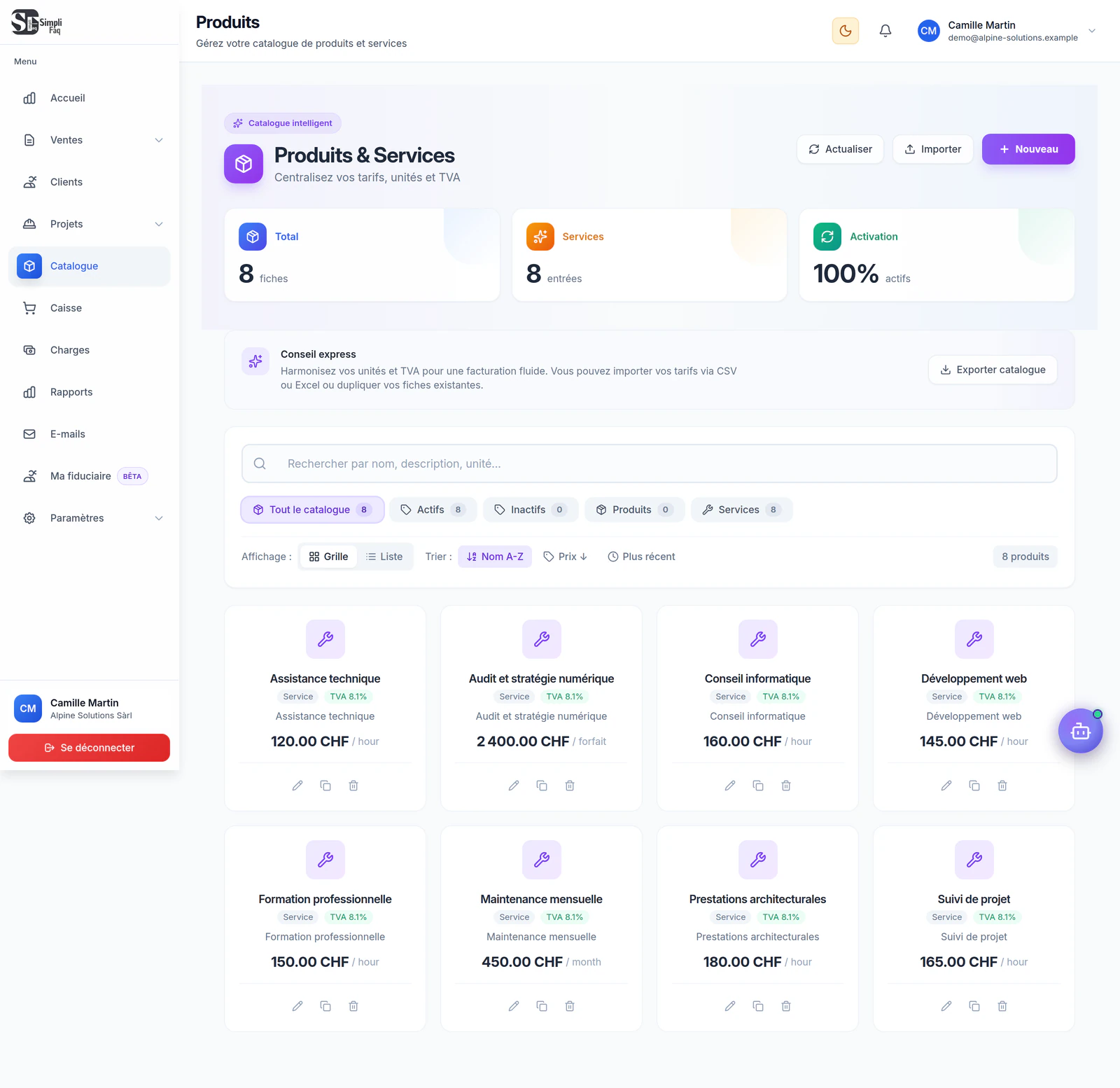
Contact our team to confirm point-of-sale access under your plan and discuss your needs. Recording a sale in SimpliFaq does not constitute integration with a payment terminal.
A team in Geneva, Swiss QR invoices and a privacy policy based on the Swiss FADP and the GDPR where applicable. Read our privacy policy
No. POS mode supports anonymous receipts for counter sales.
Yes. Catalogue items can be found by barcode. Contact us to check scanner compatibility and the needs of your point of sale.
The interface supports tablet use in a browser. An Internet connection is required to access SimpliFaq.
Have another question? Let’s talk about your business
All questions →Your next QR invoice could be the start of a simpler working day.
Try for free15 days to explore · No credit card · No commitment