
SimpliFaq Architecte Beta
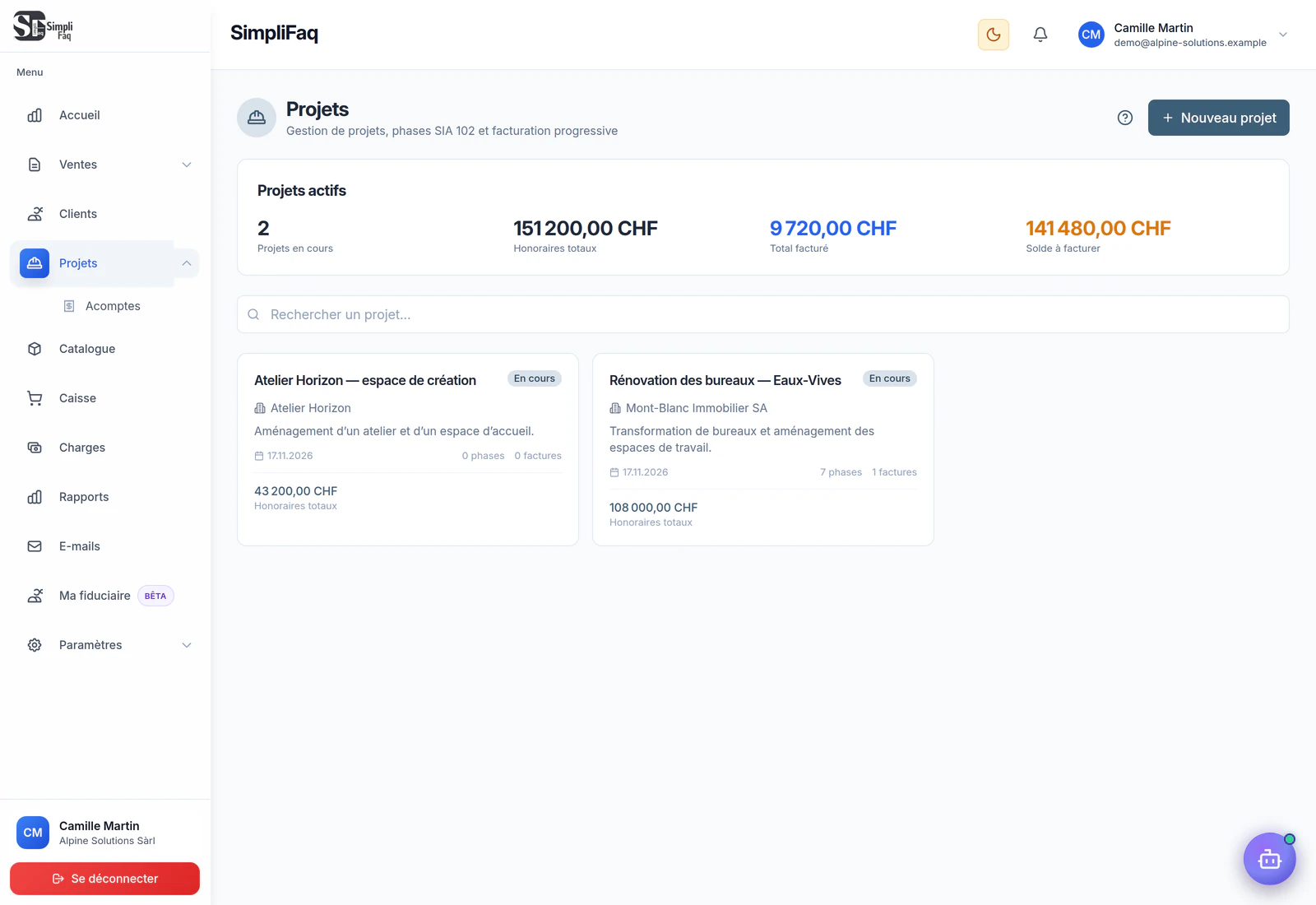
For architects and engineering offices. Your projects and invoicing in one place.
- Projects, clients and site references
- Fees and organisation by SIA 102 phases
- Deposits and project financial tracking
Every feature of SimpliFaq, in detail, for freelancers and small businesses in Switzerland.
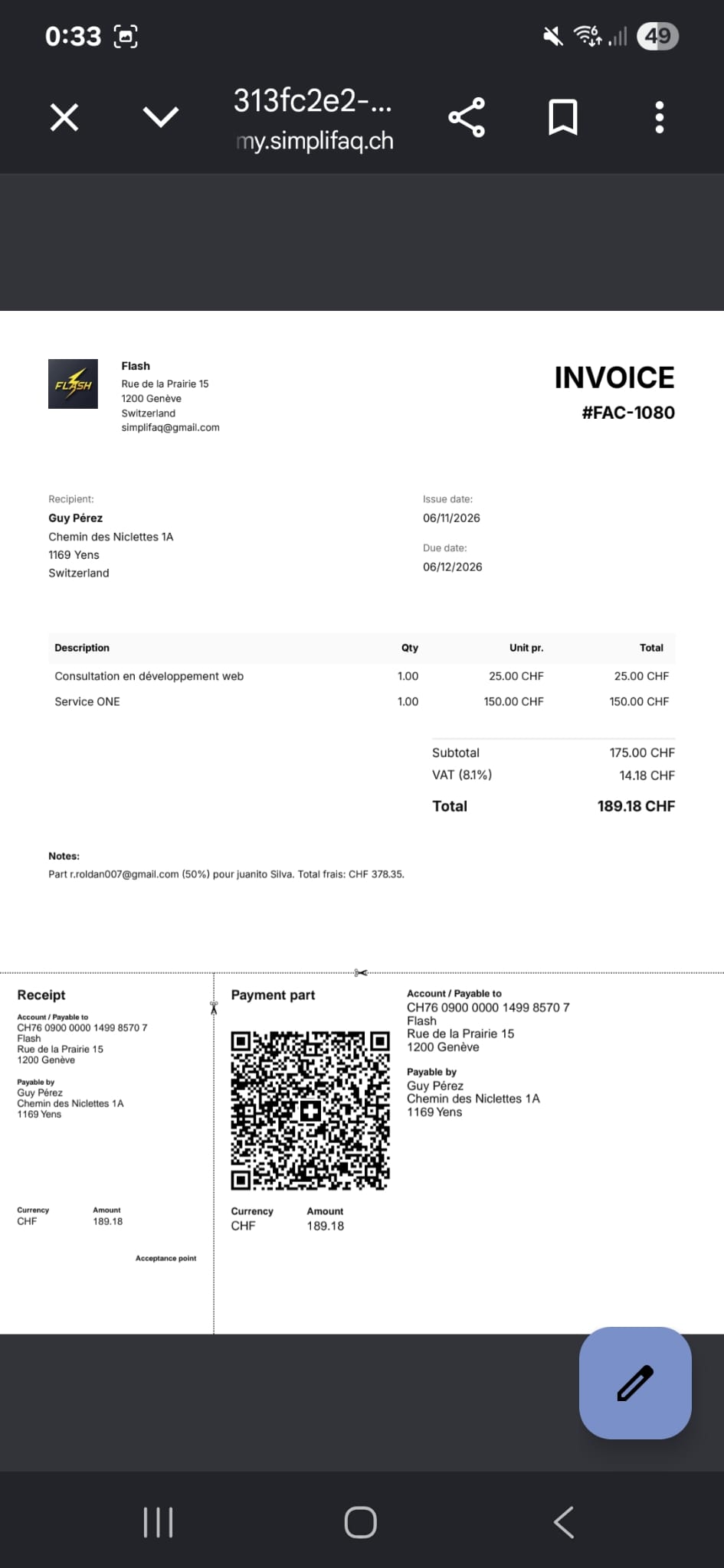
You create a document with its QR payment section, then send it by email without leaving your space. Your billing preferences remain available for the next document.
Enlarge preview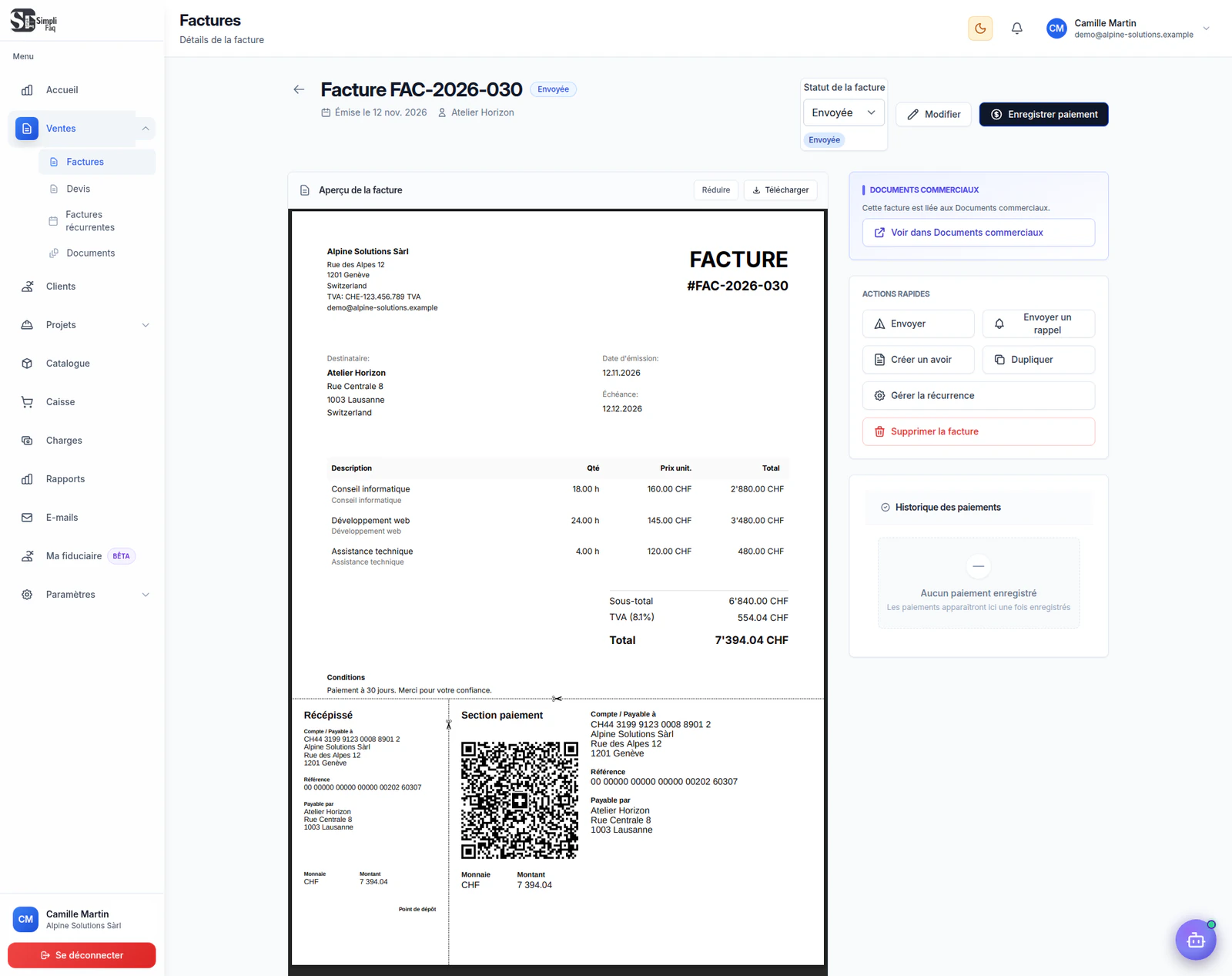
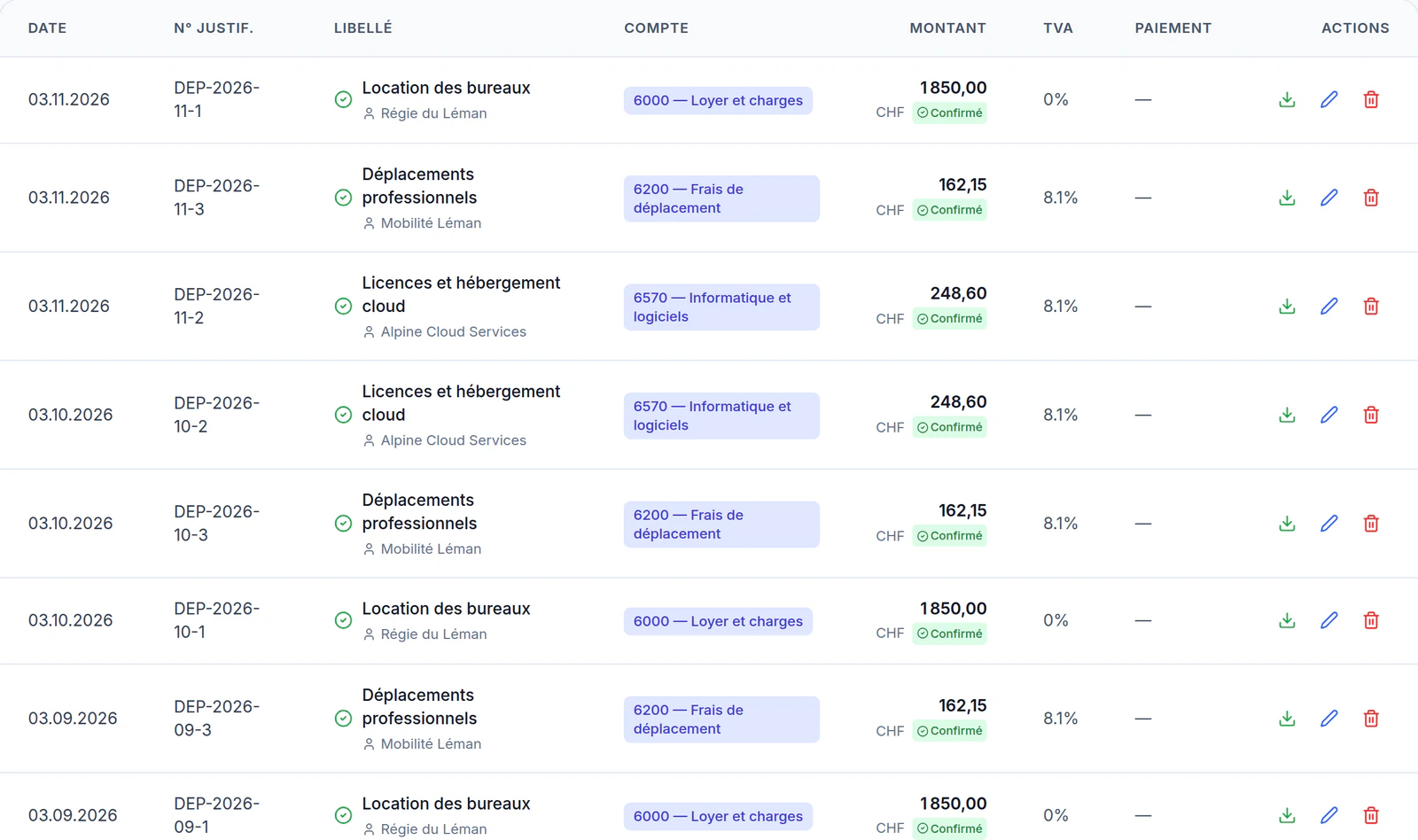
You import a supporting document; the analysis offers the amount, VAT and account of the Swiss SME accounting plan. You check the information before saving it.
Watch the demo Enlarge previewFor an individual reason or a partnership with a turnover of less than CHF 500,000, simplified accounting includes revenue, expenses and assets (art. 957 CO). You track your income and expenses in SimpliFaq. At the end of the year, you complete the statement of assets – accounts, debts and property – yourself or with your trustee. SimpliFaq does not keep balance sheets or double entry accounting.
For a Sàrl or SA, you use SimpliFaq to invoice, track expenses and prepare your exports. Your trustee keeps the complete accounts.
You choose the period and export your revenues, expenses and income statement to Excel. Your trustee finds the figures necessary to continue his work.
Watch the demo Enlarge preview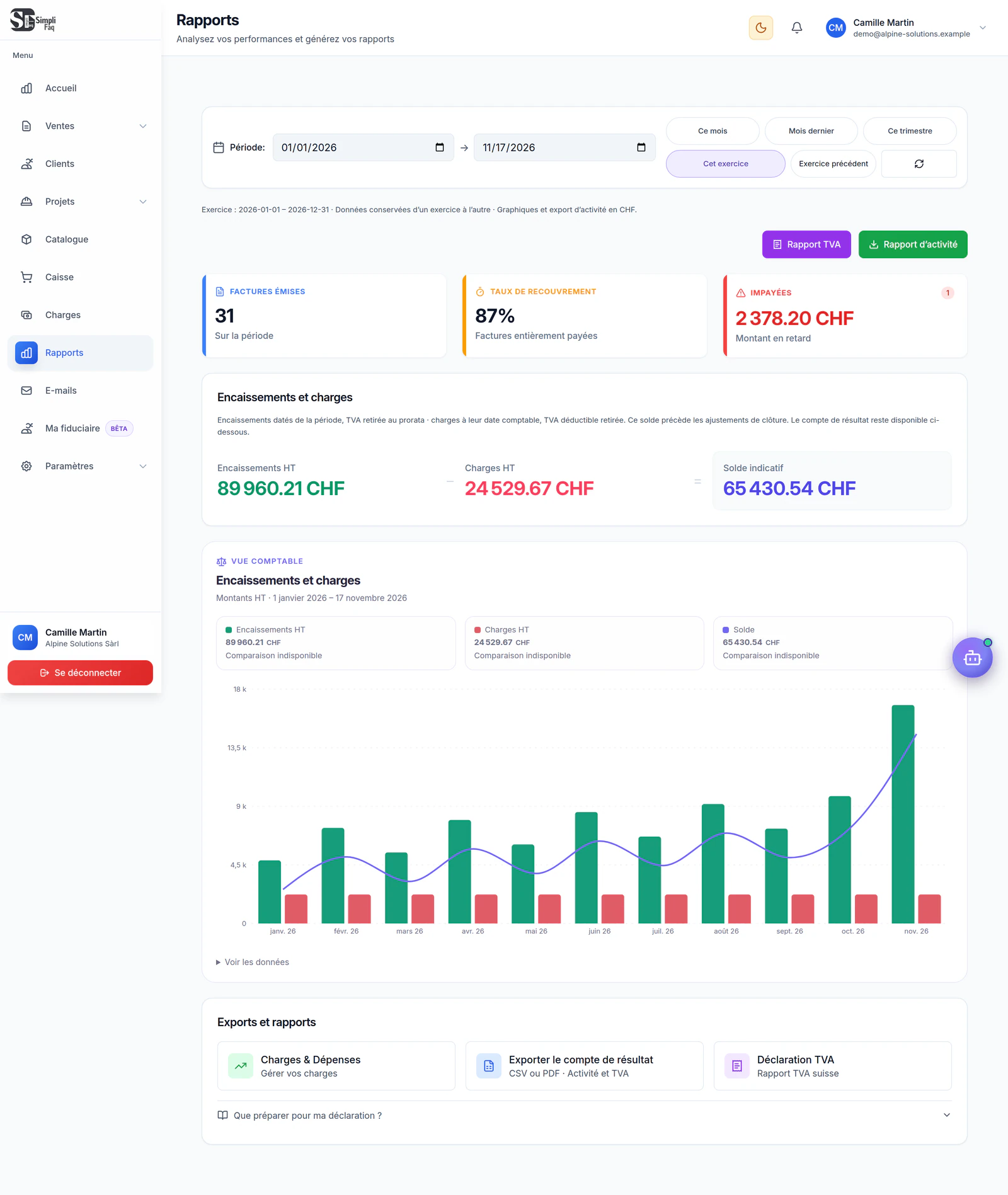
You find a client, their contact details and your usual services before preparing your document. The catalog avoids re-entering the same lines.
Enlarge preview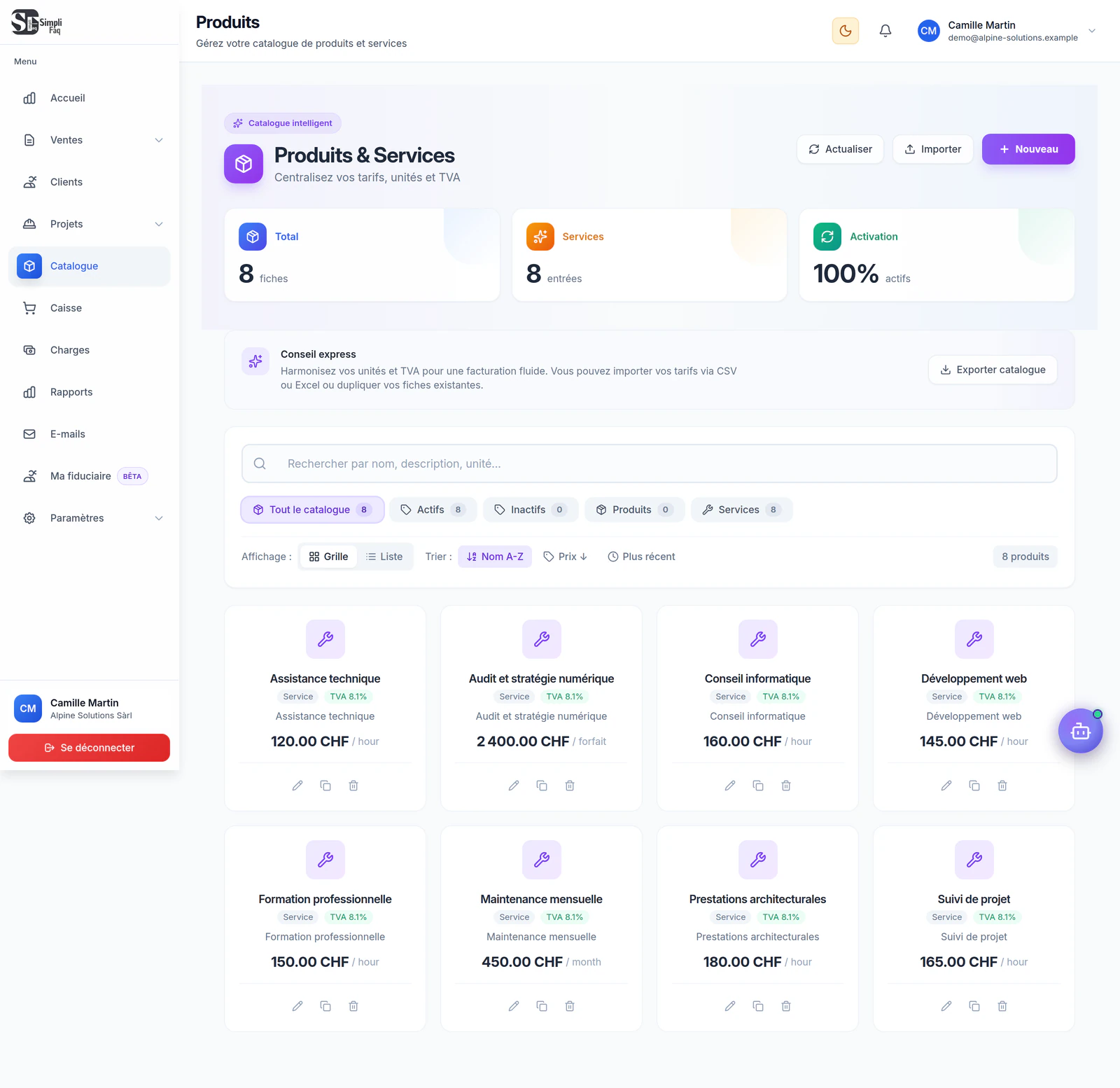
You define the frequency for your recurring services. The invoices include the customer's information and the parameters you have chosen.
Enlarge preview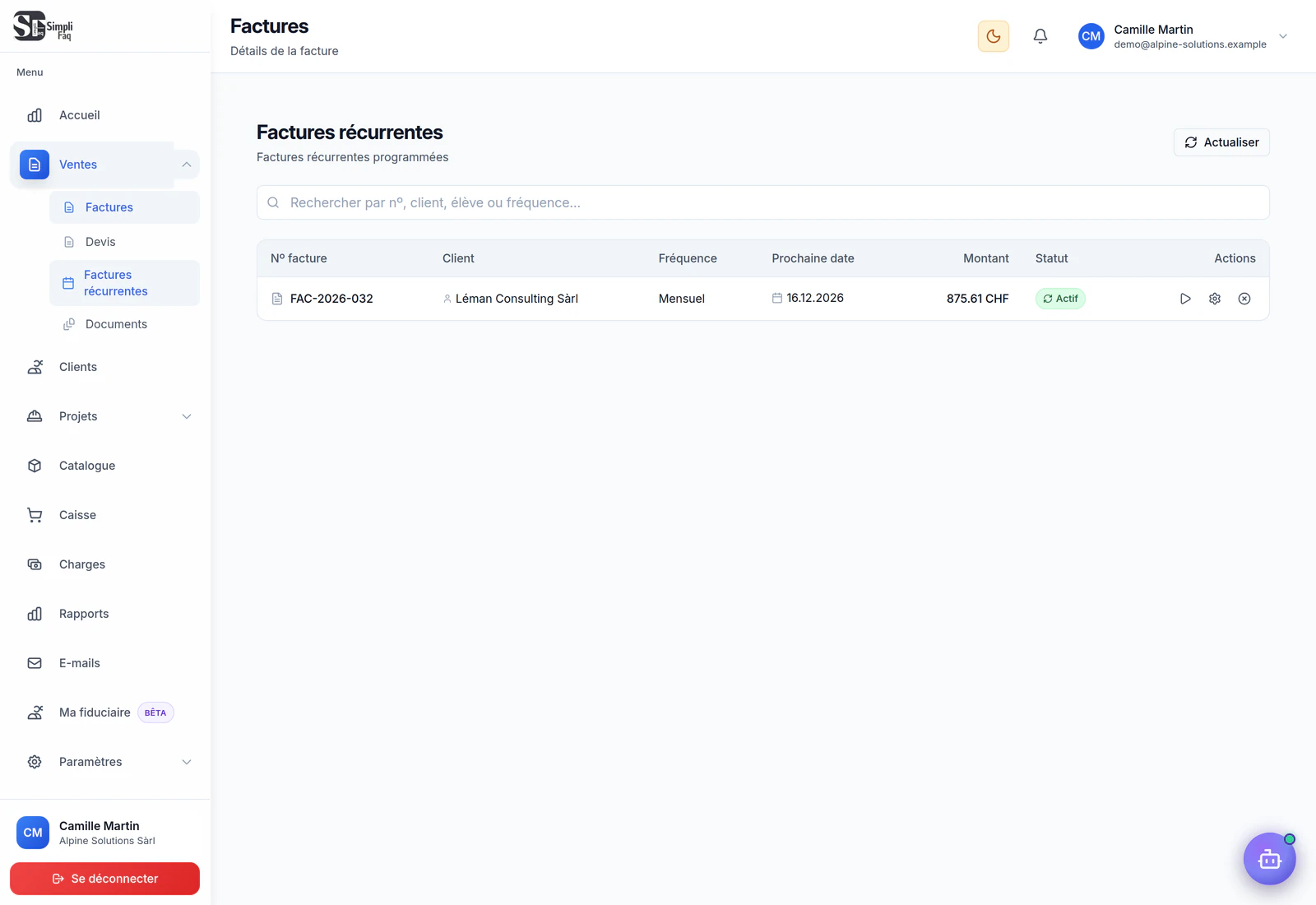
Payment reminders
You import your CSV or CAMT.053 bank file and validate the proposed matches with your invoices. You remain in control: it is not a permanent banking connection.
Enlarge preview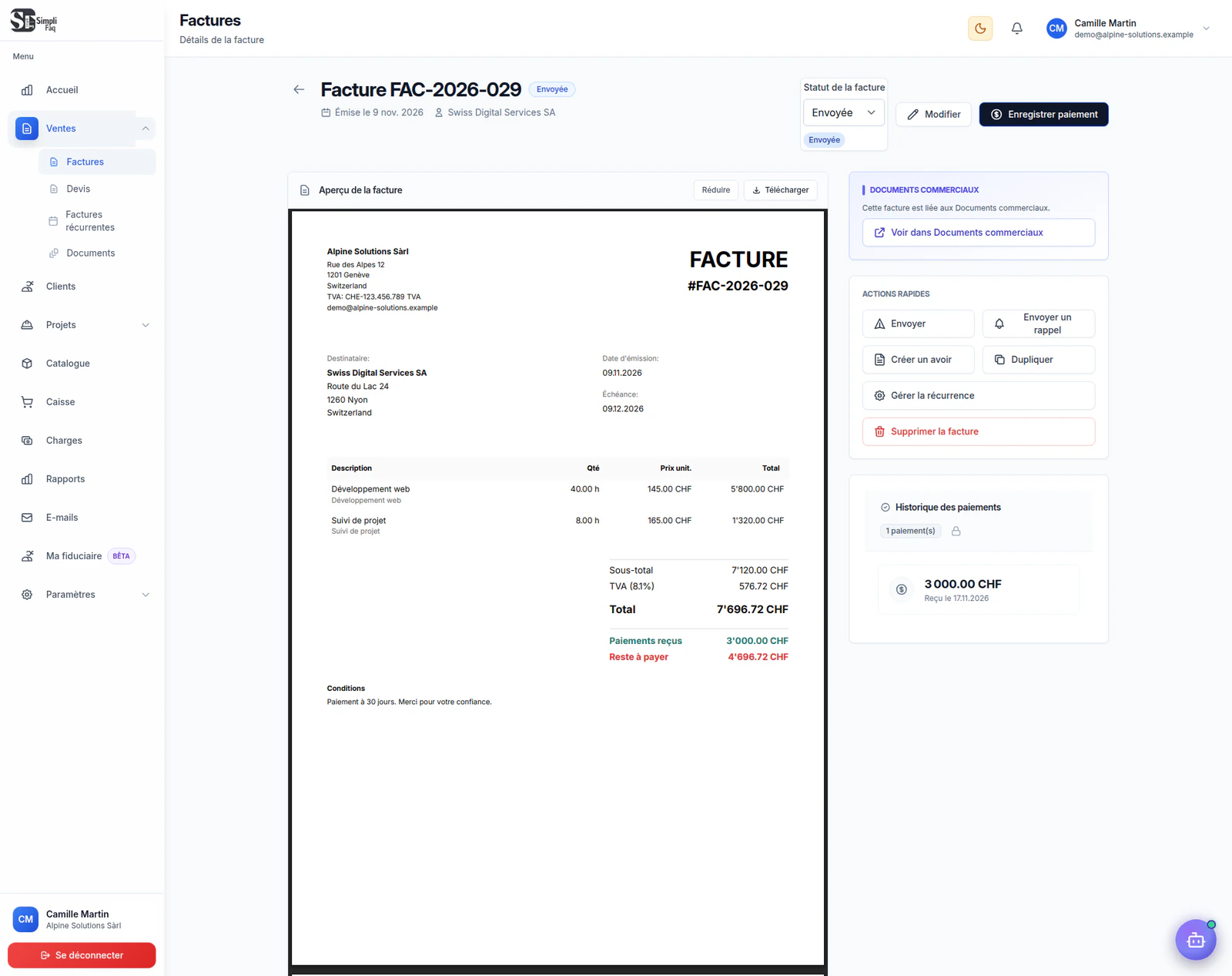
Commercial documents
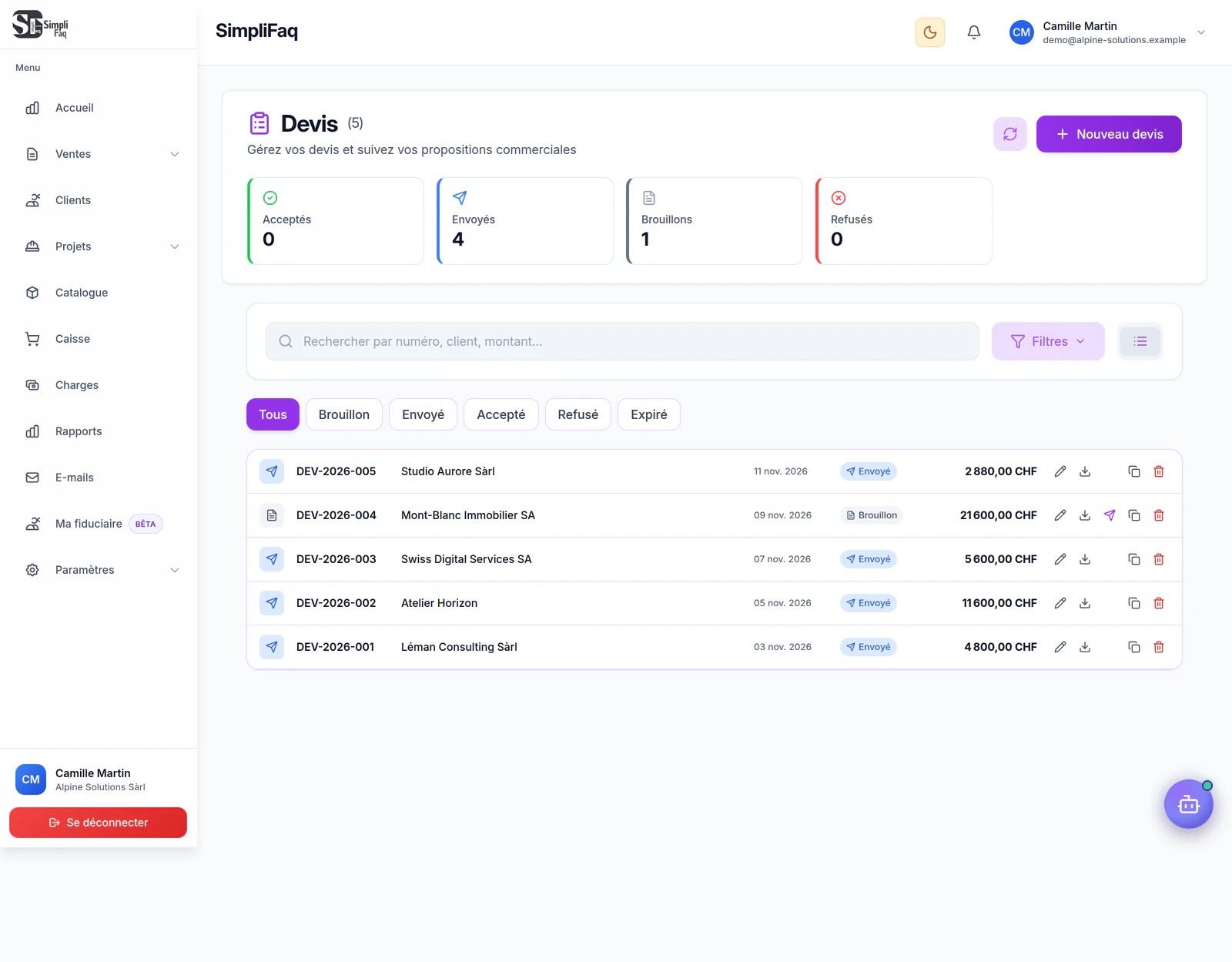
You prepare a quote, then repeat its lines in the following documents. Purchase orders, delivery notes and invoices remain associated with the customer and the project.
Deleted documents go to the Recycle Bin. You restore them in one click.
VAT preparation
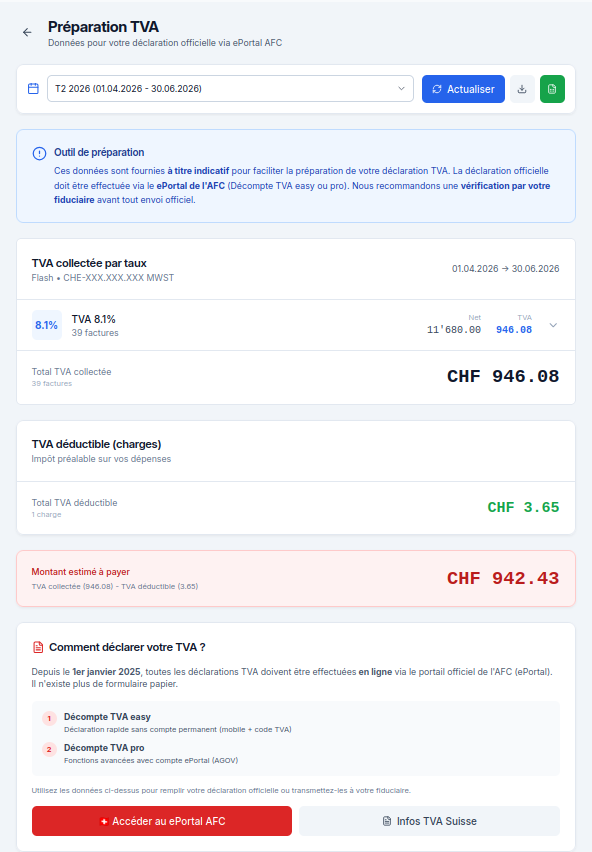
Choose your period, find the amounts by rate and export the report. The amount to be paid remains an estimate to be verified before reporting it in the AFC ePortal.
You calculate the VAT collected on your sales and deduct the eligible input tax on your expenses. This method is suitable when you establish the statement based on these actual amounts.
If your company is admitted to this method by the AFC, you apply the authorized rates to your turnover including VAT. The input tax is taken into account at a flat rate: you do not deduct VAT separately from your expenses.
The amounts are provided for information purposes only: check them or have them checked by your trustee before the official declaration.
Your invoicing software with AI
Describe your invoice or quote in natural language. Your assistant helps prepare documents, create clients and find your products.
See Ziva in actionYou stay in control of your documents and their approval.
Your data is hosted in Switzerland, at Infomaniak. For Ziva and ticket analysis, Infomaniak AI is the main provider, with processing in Switzerland. In the event of a failure, OpenAI can take over; the necessary data can then be processed in the United States.
“Prepare an invoice for this month’s services.”
Specify the client and services, then check the details with Ziva.
Example workflow · Watch the video to see the actual assistant.
Une expérience qui suit votre journée
Interface de l'application en 6 langues : français, allemand, italien, anglais, espagnol, portugais.
Factures en 4 langues : français, allemand, italien, anglais.
FR · DE · IT · EN · ES · PT
01 / 05
At your desk or on the go, your business stays within reach.
02 / 05
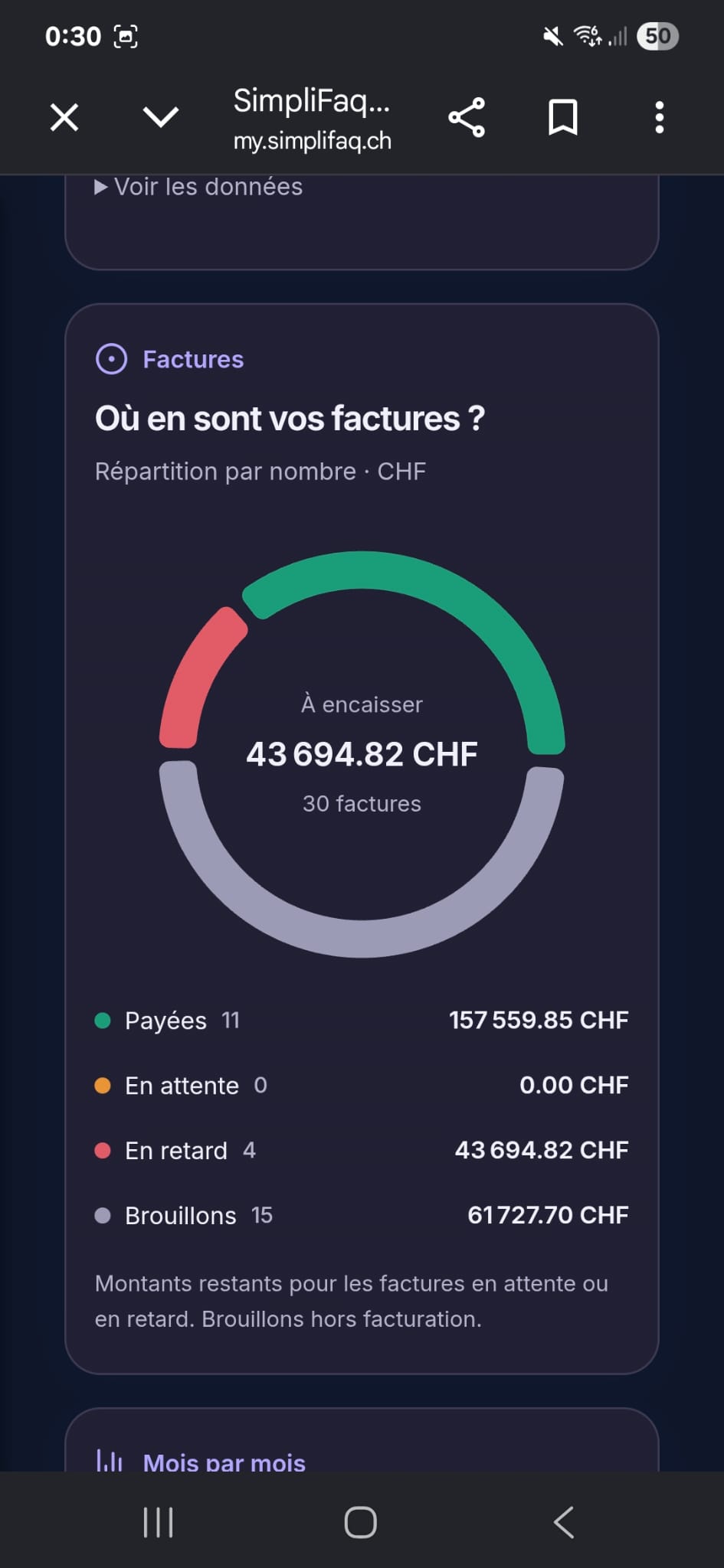
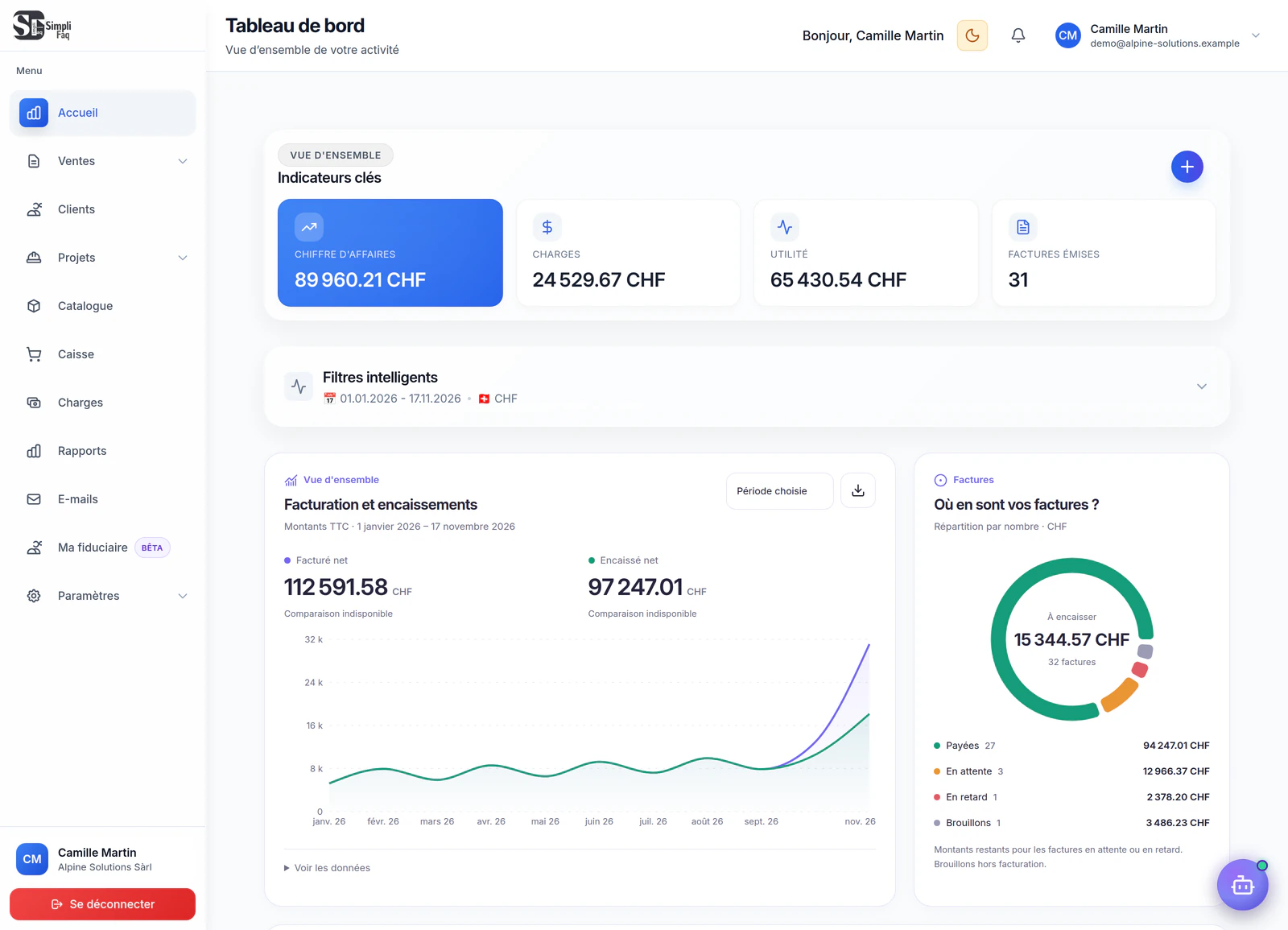
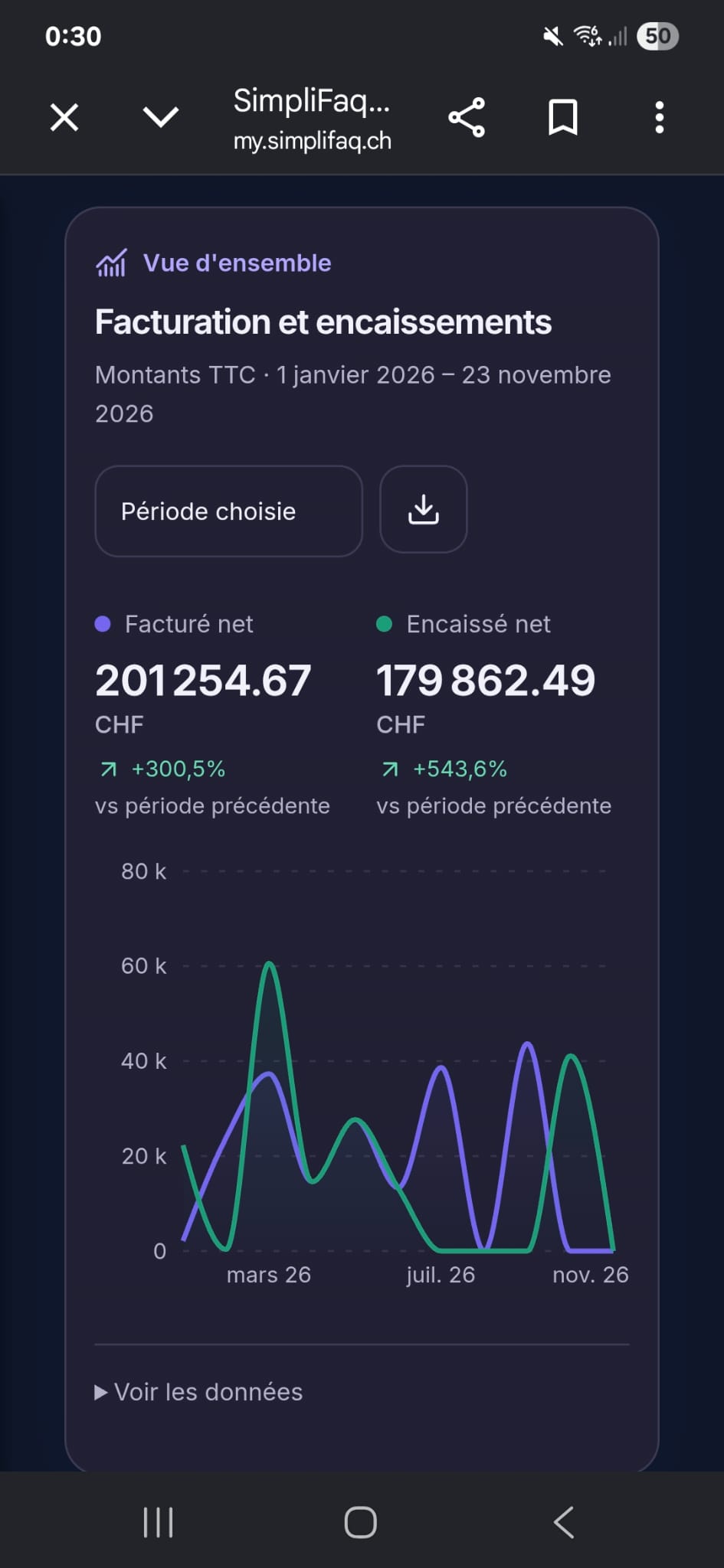
Invoices, payments and results: your dashboard brings the essentials together.
03 / 05
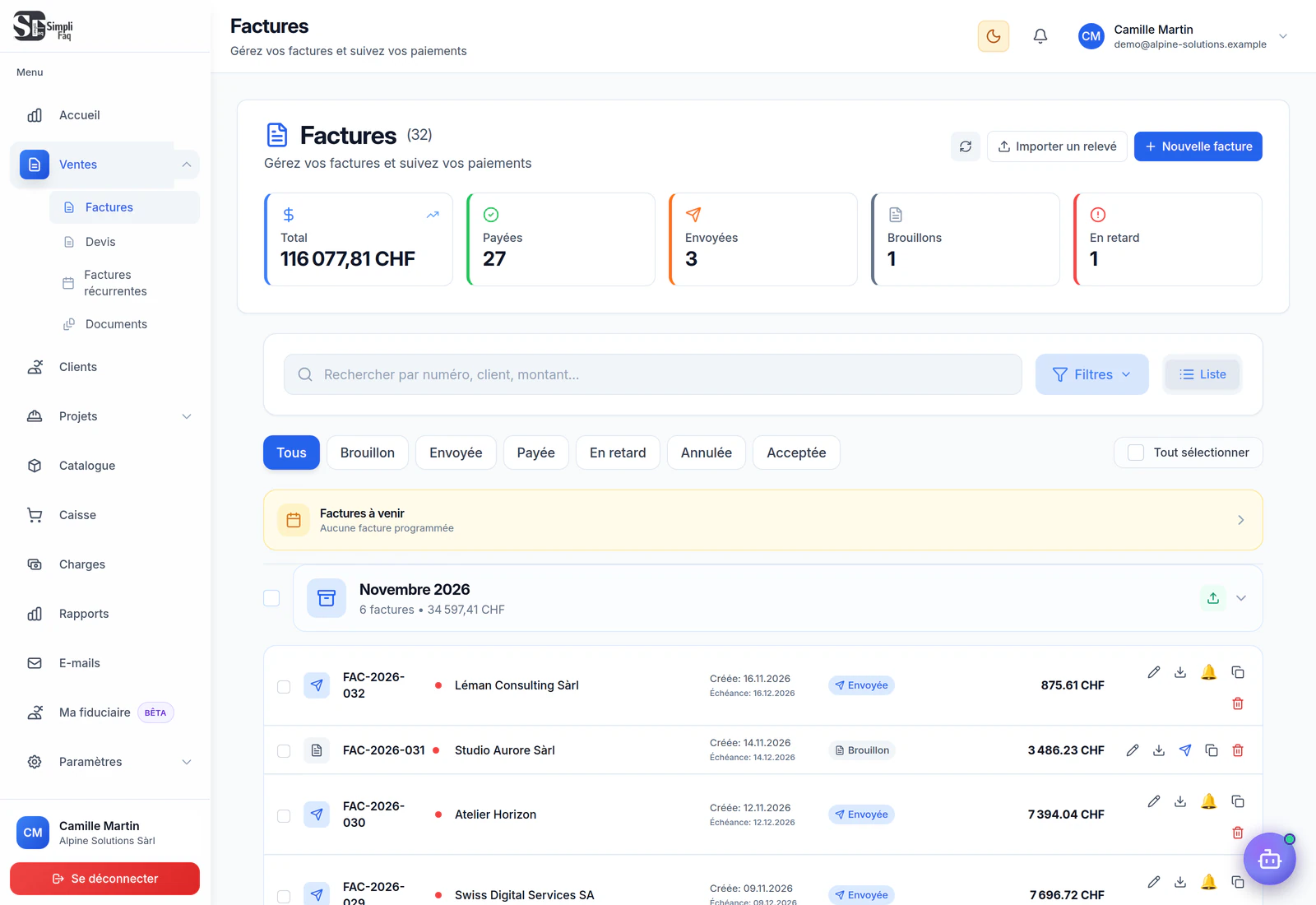
Access your clients and invoices on your laptop.
04 / 05
Your numbers are always available in your mobile browser.
View invoice tracking →05 / 05
Ready to reach your client, in their language. FR · DE · IT · EN
Real SimpliFaq screenshots · Click a screen to enlarge it.
Architects, businesses and schools have dedicated modes, which evolve with their users.
For architects and engineering offices. Your projects and invoicing in one place.
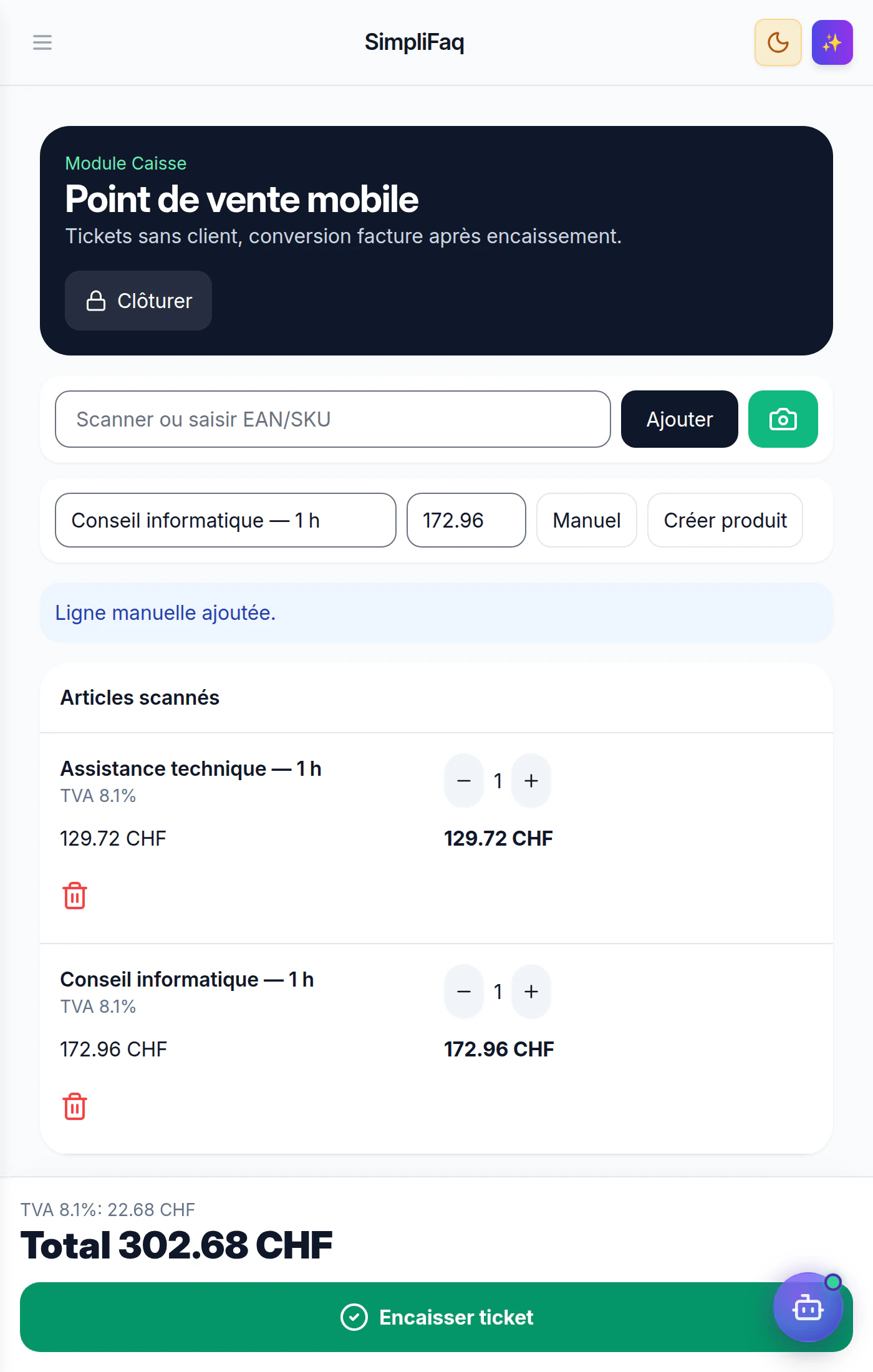
For shops and small retail outlets. A simpler day at the counter.
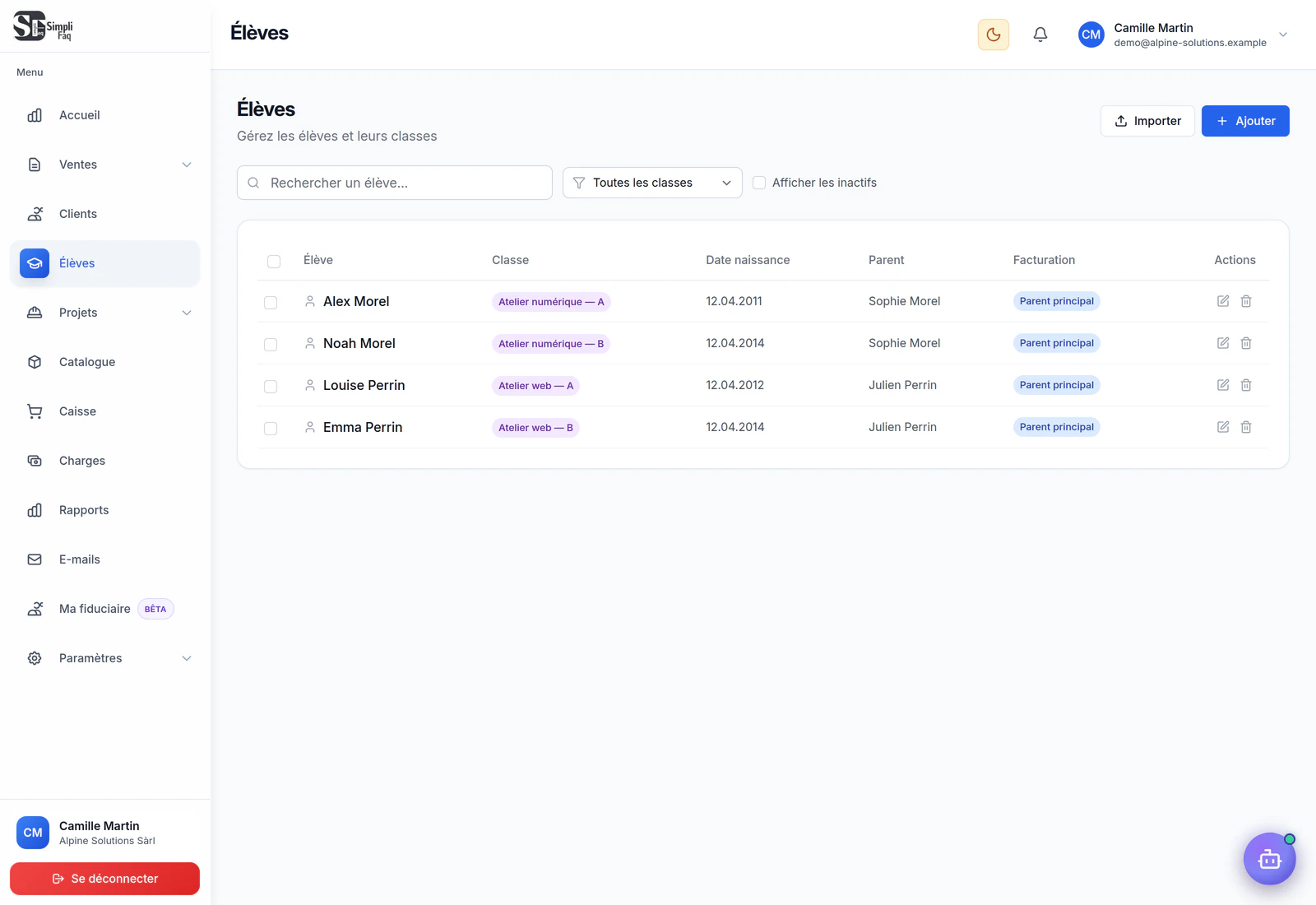
For schools and training providers. The right invoice, to the right family.
Prefer to start with a file? Explore the free invoice and quote templates.
15 day trial · No credit card · No commitment